Kaupify guides
How to Track Business Expenses Without a Pile of Receipts
Why expenses slip out of view when receipts live in a glovebox, a drawer and three apps A simple routine: capture the receipt the same day, note what it was for and who paid Turning that habit into a clear monthly picture of what the business actually spent
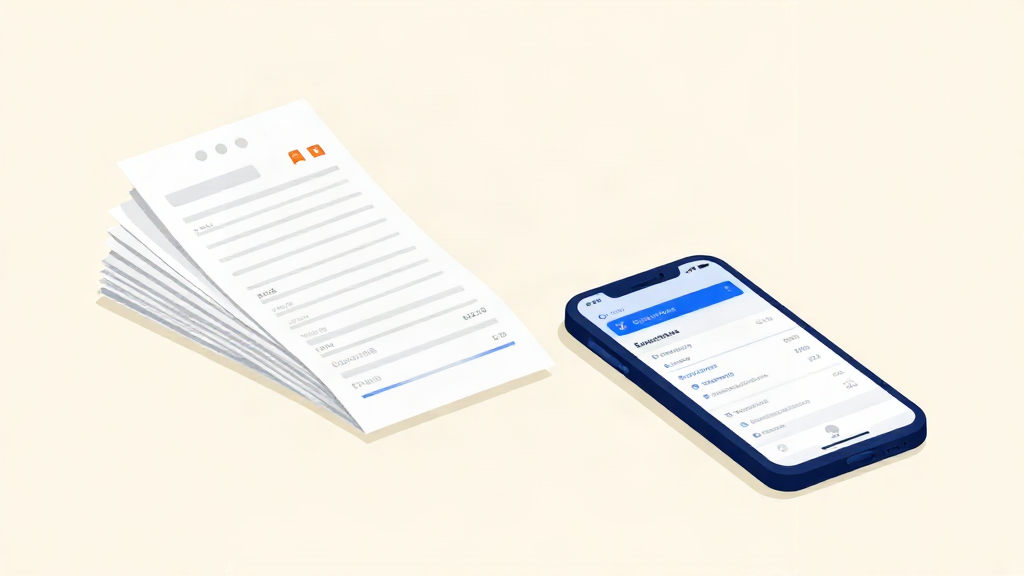
Why expenses slip out of view
Most small businesses do not lose track of their expenses on purpose. It happens quietly, one receipt at a time.
A coffee while you meet a supplier goes in your coat pocket. The diesel receipt lands in the glovebox. A part you ordered for a job sits in an email, and the card slip from the hardware shop ends up in a drawer. None of it looks like a problem on the day it happens.
Six weeks later, the real problem arrives. Your bookkeeping is due. You have a drawer of paper, three apps with screenshots, and no clear answer to a simple question: what did the business actually spend last month?
When receipts live in several places, the picture lives in several places too. That is the whole reason tracking expenses feels hard. It is not the maths. It is the scatter.
The good news is that a routine you can repeat in minutes a day can prevent much of that scramble. Here is how to track business expenses without a pile of receipts at the end of the month.
Start with one place for everything
Before you change any habit, pick one place where every expense will live. Not four. One.
That place can be the expenses section of your accounting software. A folder or spreadsheet can help with organisation, but it is not a substitute for a compliant digital bookkeeping system where Danish law requires one. What matters is that you and anyone on your team know exactly where to look. When someone asks "where is the receipt for the new drill?", there should be only one answer.
A single home for expenses does two things at once. It reduces the risk of receipts going missing, and it turns scattered records into something you can review together.
Capture the receipt the same day
This is the step that saves the most time later. Capture the receipt on the day you get it, not on the day you remember it.
For most people, capture means a photo. Save a complete, legible copy showing the required receipt or invoice details, linked to the transaction. Check that it stays accessible, secure and backed up. Ordinary Danish accounting records generally need to be kept for five years from the end of the financial year they concern. Keep an original where other requirements apply; a phone photo alone does not establish VAT deductibility.
Two small habits make this stick:
- Keep the capture step to seconds. Open the app, take the photo, done. If it takes a form to fill in, you will stop doing it.
- Do it at the same moment every time. When you get back to the van, when you sit down with a coffee, when you park up after the last job. Attach the photo to the one place you chose in the last section.
If the receipt is a PDF in your email, save the original file in the same place, or forward it if your chosen tool has a configured receipt inbox. Same routine, different door.
Note what it was for and who paid
A photo on its own may not explain the business purpose. Two short notes help make the record easier to review:
- What it was for. "Diesel", "fixings for the Jensen job", "new boots". Plain words are fine. You are not writing a report, you are reminding your future self.
- Who paid. This matters most when there is more than one person in the business, or when you use a personal card for a work purchase. You need to know whether the business or a person is owed the money.
Check the amount, currency and date, and keep the supplier and receipt or invoice details, including VAT information where relevant. These are useful starting details, not a complete checklist for every purchase. Some items need an invoice, additional evidence or a different accounting or tax treatment; record any private-use share separately.
You do not need to sort receipts into the correct category while you are standing in a car park. Get the detail down while it is fresh. The sorting can wait.
Turn the habit into a clear monthly picture
Daily capture keeps the paper under control. Record transactions promptly; a monthly review complements ongoing bookkeeping rather than delaying it. A short review then turns those records into understanding.
Once a month, set aside twenty minutes. Open your one place and look at everything that was logged. Then:
- Check nothing is missing. Compare your business card and bank statements against what you have logged. Investigate each gap: it may be a missing expense, a bank fee, a refund, a transfer or another transaction that needs different treatment. Resolve it while the month is still recent.
- Reconcile the payments. Match what you logged to what actually left the account. This is the step that catches duplicates, refunds and the standing order you forgot about.
- Read the totals. How much went out? What were the biggest costs? Did anything jump compared with last month?
That third step is where tracking starts paying you back. A clear monthly picture shows you which costs are quietly growing, which supplier is creeping up, and what you can actually afford to spend next month.
A simple routine you can keep
Here is the whole method in five lines:
- One place for every expense.
- Capture the receipt on the day you get it.
- Note what it was for and who paid.
- Add the amount and the date.
- Review and reconcile once a month.
That is it. No jargon, no long forms, no shoebox.
If you run a small team, share the routine. Everyone captures their own receipts the same way, into the same place. The person doing the paperwork should spend less time chasing missing slips, while still checking for gaps.
Where Kaupify fits in
You can use a phone and an organised collection process alongside your bookkeeping system. A folder and spreadsheet alone are only suitable where they meet your business's legal record-keeping requirements, including any duty to use a digital bookkeeping system.
Kaupify is built for the part that comes after the photo. Send invoices, keep bills and receipts together, and reconcile payments in one place, so the monthly review is a matter of looking rather than digging. Expenses, invoices and accounts sit side by side. Additional POS, stock, purchasing, time and webshop tools depend on your plan and completed setup. Book a demo to discuss the tools and availability for your business.
The goal is simple. A clear view of your business, without the pile of receipts.
Start with one place and today's receipts. The picture builds itself from there.